Desk Setup Guide
Running Desk
The Desk provides the main user interface for managing your Framework M application data and workflows.
秉
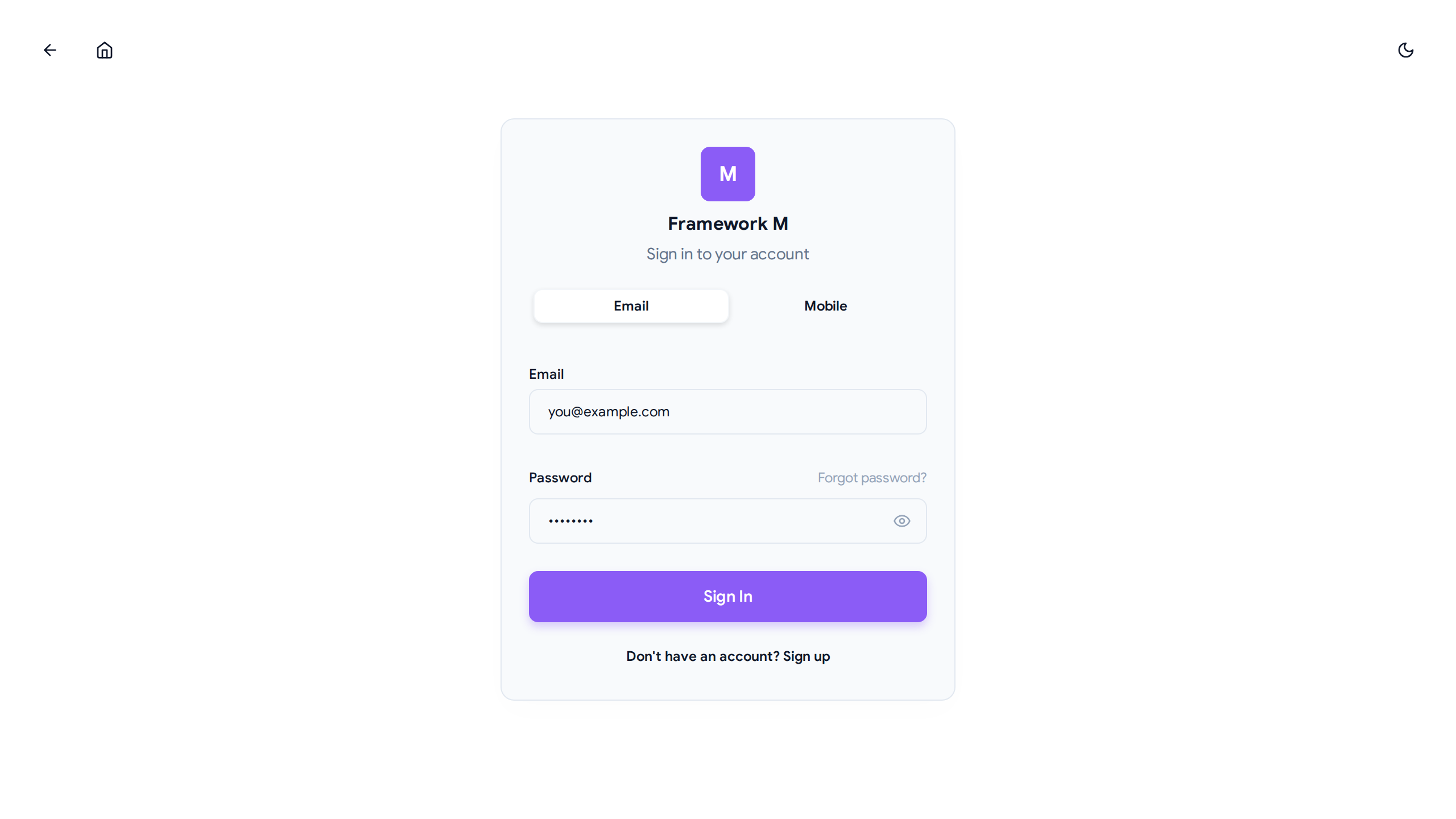 Default Desk login screen with single-command deployment support.
Single Command (Production)
m prod
This starts the backend server with the bundled Desk UI on port 8888.
Development Mode
For development with hot reload:
m dev
This starts both backend and frontend with automatic hot reload using honcho process manager.
URL Structure
The Desk uses a path prefix architecture for clean separation:
-
UI:
http://127.0.0.1:8888/desk/- Main interface for managing data
- All frontend routes are under
/desk/*
-
API:
http://127.0.0.1:8888/api/- Backend endpoints for data operations
- All API routes are under
/api/*
-
Root:
http://127.0.0.1:8888/- Automatically redirects to
/desk/
- Automatically redirects to
Commands
m prod - Production Mode
Runs the backend with bundled static Desk UI:
# Default (port 8888)
m prod

# Custom port
m prod --port 3000

# Custom app module
m prod --app myapp:create_app

# With auto-reload
m prod --reload
Use Cases:
- Production deployments
- Testing bundled UI
- Single-process server
m dev - Development Mode
Runs backend and frontend concurrently with hot reload:
# Backend + Frontend
m dev

# Backend + Frontend + Studio
m dev --studio

# Custom backend module
m dev --app myapp:create_app

# Custom frontend directory
m dev --frontend-dir ./custom-ui

# Backend only (no frontend)
m dev --no-frontend

# Custom ports
m dev --port 9999 --frontend-port 3000 --studio-port 9999

# Enable background worker (scheduler runs embedded by default)
m dev --enable-worker

# Use custom Procfile
m dev --procfile Procfile.dev
Features:
- ✅ Hot Reload: Backend (uvicorn) and frontend (Vite HMR)
- ✅ Process Management: Honcho manages multiple processes
- ✅ Concurrent Output: Color-coded logs with process prefixes
- ✅ Graceful Shutdown: Ctrl+C stops all processes cleanly
- ✅ Configurable: Supports Procfile and m.toml configuration
- ✅ Extensible: Add workers, custom processes
Default Ports:
| Process | Port |
|---|---|
| Backend | 8888 |
| Frontend | 5173 |
| Studio | 9999 |
New CLI Flags:
| Flag | Description |
|---|---|
--enable-worker | Start worker process for background jobs (runs scheduler loop by default) |
--procfile <path> | Load custom Procfile for process definitions |
Configuration
The m dev command supports multiple configuration sources with the following precedence:
Configuration Precedence (highest to lowest):
- CLI flags (e.g.,
--enable-worker,--port 9999) - Procfile (if specified with
--procfile) - m.toml [dev] section
- Default processes
Using m.toml
Create a m.toml file in your project root:
[dev]
# Override default ports
backend_port = 8888
frontend_port = 5173

# Enable optional processes
enable_worker = true

# Override default commands (optional)
backend_command = "uvicorn app:app --reload --port 8888 --log-level debug"

# Use a custom Procfile (optional)
procfile = "Procfile.dev"

[dev.processes.mailhog]
command = "mailhog -smtp-bind-addr 127.0.0.1:1025 -ui-bind-addr 127.0.0.1:8025"
enabled = false  # Set to true to enable

[dev.processes.redis]
command = "redis-server --port 6379"
enabled = false

[dev-link]
# Exclude showcase extensions
exclude = ["framework-mx-mongo"]
See full example: docs/examples/m.toml
Using Procfile
Create a Procfile.dev file in your project root:
# Procfile.dev
backend: python -m uvicorn framework_m_standard.adapters.web.app:create_app --host 127.0.0.1 --port 8888 --reload
frontend: cd frontend && pnpm dev --port 5173
worker: m worker --concurrency 4
Then run:
m dev --procfile Procfile.dev
See full example: docs/examples/Procfile.dev
Configuration Examples
Example 1: Enable worker in m.toml
[dev]
enable_worker = true
m dev # Worker automatically starts
Example 2: Mix m.toml with CLI flags
[dev]
backend_port = 9999
enable_worker = true
m dev # Uses port 9999 from m.toml, runs worker with embedded scheduler
Example 3: Full custom Procfile
backend: uvicorn app:app --reload
frontend: cd ui && pnpm dev
worker: m worker --concurrency 8
mailhog: mailhog -smtp-bind-addr 127.0.0.1:1025
redis: redis-server
m dev --procfile Procfile.dev
Architecture
Path Prefix Separation
The Desk implements complete separation between UI and API routes:
/desk/*     → React SPA (HTML pages)
/api/*      → JSON API endpoints
/           → Redirects to /desk/
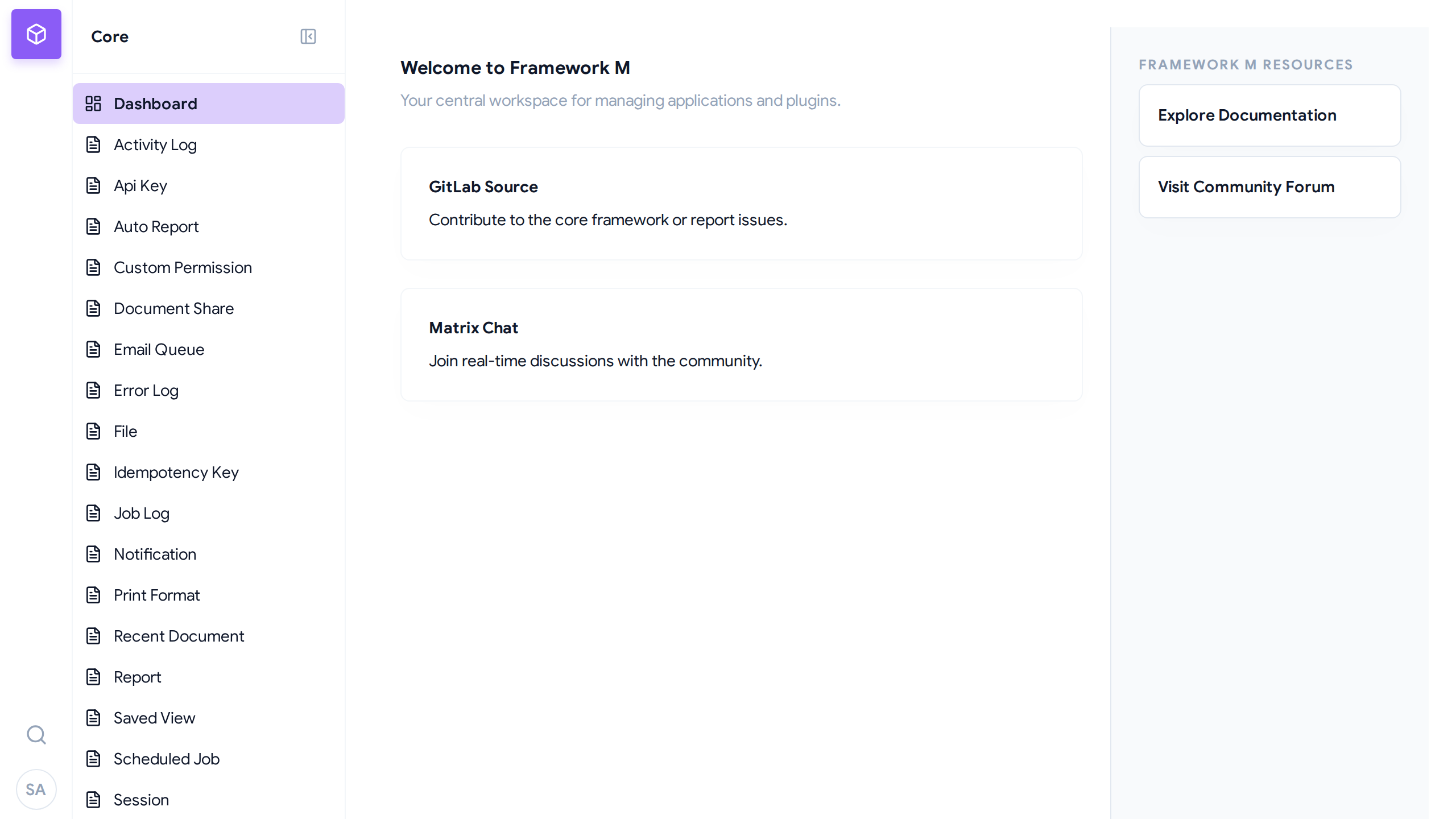 The Framework M Dashboard showing the Rail & Drawer navigation architecture.
秉
This architecture:
The Framework M Dashboard showing the Rail & Drawer navigation architecture.
秉
This architecture:
- ✅ Prevents route collisions
- ✅ Enables clean URLs (no hash fragments)
- ✅ Works with single-command deployment
- ✅ Supports proper Content-Type headers
Static Assets
Static assets (JS, CSS, images) are served at:
/desk/assets/*
The Vite build process outputs to libs/framework-m/src/framework_m/static/ which is included in the Python package.
Process Management (m dev)
When running m dev, honcho orchestrates multiple processes:
┌─────────────────────────────────────────┐
│     honcho.manager.Manager              │
│                                         │
│  ┌──────────┐  ┌──────────┐  ┌────────┐│
│  │ backend  │  │ frontend │  │ studio ││
│  │ :8888    │  │ :5173    │  │ :9999  ││
│  └──────────┘  └──────────┘  └────────┘│
│                                         │
│  • Color-coded output                   │
│  • Concurrent execution                 │
│  • Graceful shutdown                    │
└─────────────────────────────────────────┘
API Endpoints
Health Check
curl http://127.0.0.1:8888/health
Authentication
curl http://127.0.0.1:8888/api/v1/auth/me
List DocTypes
curl http://127.0.0.1:8888/api/meta/doctypes
Translations
curl http://127.0.0.1:8888/api/v1/Translation?locale=en
Building for Production
Build Frontend
cd frontend
pnpm build
This outputs to dist/ which should be copied to libs/framework-m/src/framework_m/static/.
Update Bundled Static
# After building frontend
cp -r frontend/dist/* libs/framework-m/src/framework_m/static/
Package Python
cd libs/framework-m
uv build
The built wheel includes the static frontend assets.
Development Workflow
Initial Setup
-
Install dependencies:
uv sync -
Install your app (if custom):
cd apps/myappuv pip install -e . -
Start development server:
m dev
Hot Reload in Action
Backend Changes:
# Edit any Python file
# WatchFiles detects changes
# Server automatically restarts
Frontend Changes:
# Edit any React/TS file
# Vite HMR updates instantly
# No page reload needed
Git Noise and Local Builds
Avoid running pnpm build locally during development.
Running pnpm build updates the static assets in libs/framework-m/src/framework_m/static/. Since Vite includes hashes in filenames (e.g., index-a1b2c3.js), every build modifies tracked files, creating unnecessary git noise.
Best Practice:
- Use
m devfor frontend development - Rely on CI/CD for release builds
- Local
pnpm buildis only necessary to verify production artifacts
Troubleshooting
UI Downloads Instead of Rendering
If the browser downloads HTML files instead of rendering them, check:
- Content-Type Headers: Ensure responses have
Content-Type: text/html; charset=utf-8 - Route Handlers: Verify return type is
Responsenot union types - Browser Cache: Clear browser cache and hard reload (Ctrl+Shift+R)
404 Errors on Deep Links
If refreshing a page like /desk/doctypes/User gives 404:
- Check Route Handler: Ensure
/desk/{path:path}wildcard route exists - SPA Fallback: Verify the handler returns
index.htmlfor non-file paths - Base Path: Confirm React Router uses
basename="/desk"
API Calls Failing
If API calls return errors:
- CORS: Check CORS configuration allows your origin
- Path Prefix: Ensure API calls use
/api/*prefix - Server Running: Verify
m prodorm devis running on the correct port
Hot Reload Not Working
If changes aren't being detected:
Backend:
- Check WatchFiles is enabled (look for "Started reloader process" in logs)
- Verify file is in watched directory
- Try
--reloadflag explicitly
Frontend:
- Ensure
m devis running (notm prod) - Check Vite dev server is on port 5173
- Verify WebSocket connection in browser DevTools
DocTypes Not Appearing
If your custom DocTypes don't show in the sidebar:
- Install your app:
cd apps/myapp && uv pip install -e . - Check entry points: Verify
pyproject.tomlhas[project.entry-points."framework_m.apps"] - Restart server: DocTypes are discovered at startup
- Check logs: Look for "Discovered X DocType(s) from app 'myapp'"
Quick Reference
| Command | Use Case | Hot Reload |
|---|---|---|
m prod | Production, bundled UI | Optional (--reload) |
m dev | Development, both servers | ✅ Always |
m dev --studio | Development + Studio | ✅ Always |
m dev --no-frontend | Backend only dev | ✅ Backend only |